Standardized international tax e-invoice clearance metadata
Operating across multiple countries or serving international corporate buyers requires clean invoice data that satisfies local tax authorities without bloating core database tables with country-specific columns.
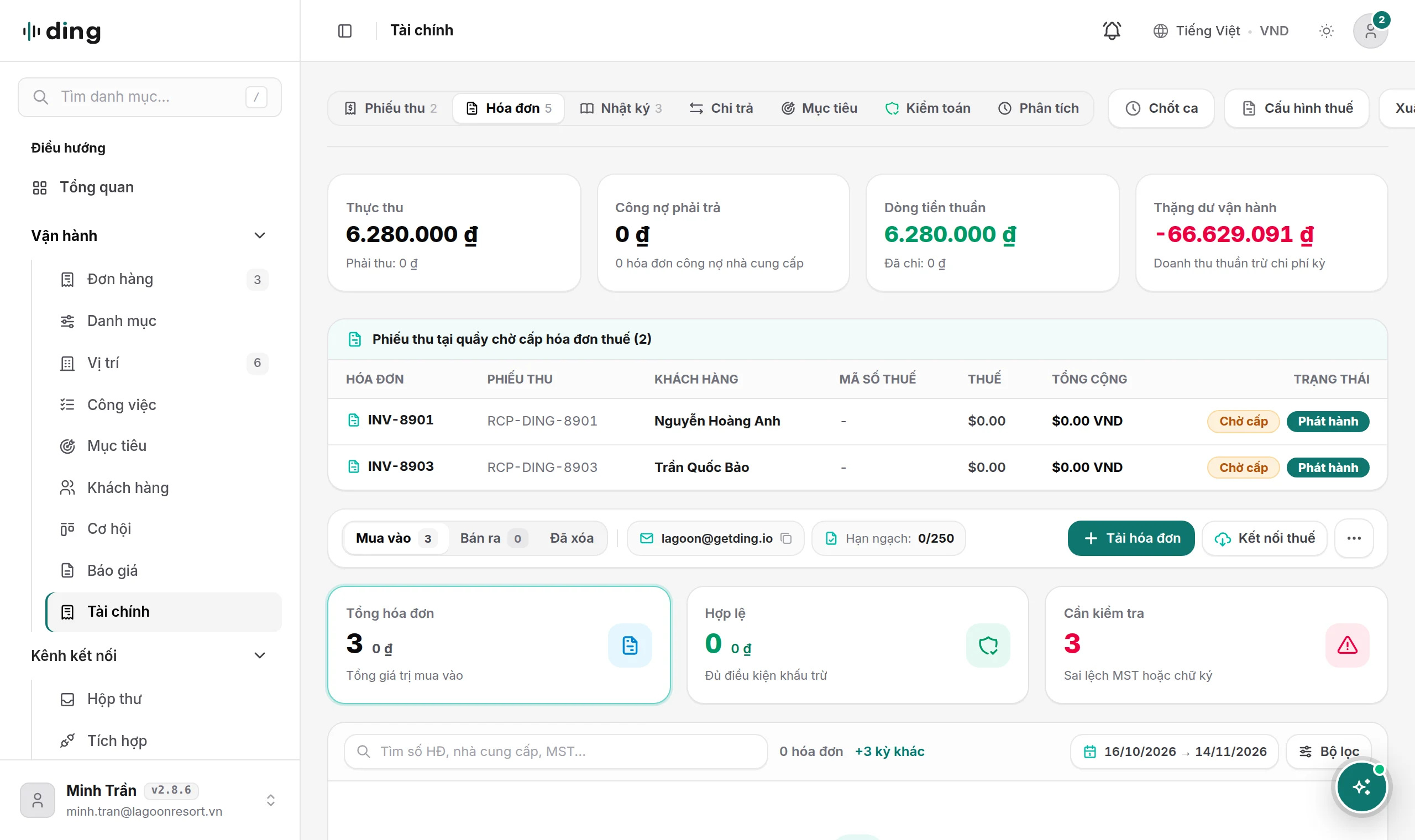
This release standardizes DING OS tax e-invoice clearance on universal international ledger columns (number, issue_date, due_date, currency, subtotal, discount, tax, total, status, seller, buyer, items) paired with structured statutory extensions stored cleanly inside metadata.custom (clearance_code, template_code, symbol, jurisdiction, lookup_code, provider_tax_id, and audit_status). On workspace bills and invoices, tax status badges render dynamically according to tenant jurisdiction and active UI locale: GDT in international views and CQT in Vietnamese views for Vietnam, IRAS for Singapore, Peppol for European and cross-border electronic invoicing, alongside IRS, HMRC, ATO, NTA, LHDN, GSTN, and SAT.
| Capability | Legacy regional setup | Standardized DING OS architecture |
|---|---|---|
| Ledger schema | Rigid single-country columns hard to expand internationally | Universal SQL ledger columns plus clean metadata.custom extensions |
| Authority badges | Hardcoded single-country tax acronyms across every language | Locale- and jurisdiction-aware badges (GDT, CQT, IRAS, Peppol, and peers) |
| Staff onboarding | Long text manuals rarely read by new shift hires | Role-based 4-track visual /help guidebook with 1-2-3 callout pins |
Four-track visual guidebook for five-minute staff onboarding
Hiring a new receptionist, cashier, technician, or sales coordinator should never require two days of software shadowing. The redesigned /help Operations Guidebook organizes workspace training into four concise role tracks available across all 14 supported locales:
- 1Setup track: Domain verification, category selection, unit QR printing, and
[handle]@getding.ioemail forwarding for owners and admins. - 2Frontline counter and unit track: Two-tap Counter Terminal checkout, location-locked QR dispatch, voucher check-in, and open-tab post-audit reconciliation.
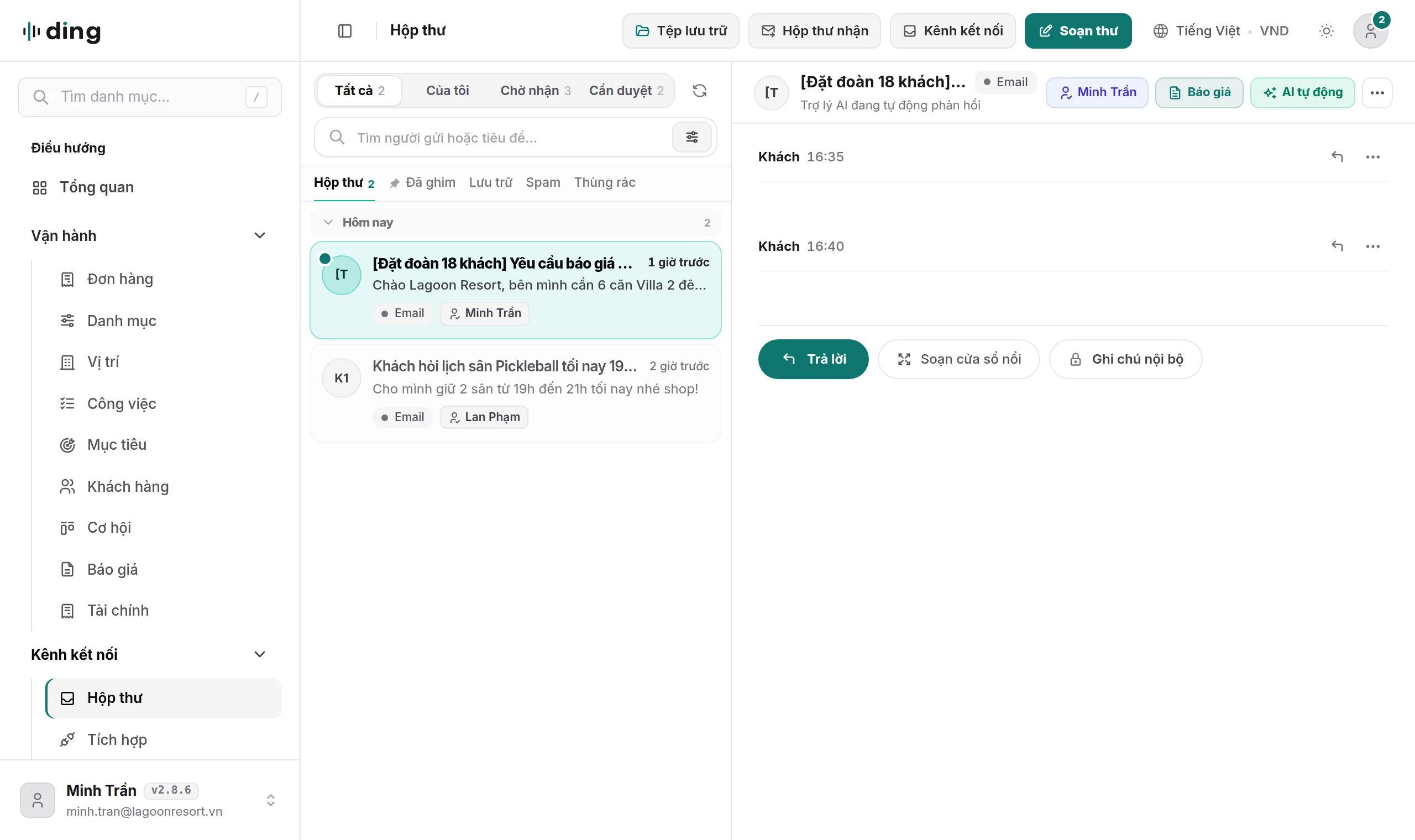
- 3Sales and AI inbox track: Unified Inbox triage, amber internal notes,
Contact -> Inquiry -> Quote -> Bookingpipeline discipline, and member cashback enrollment. - 4Management, finance, and goals track: Blind cash-drop shift reviews, statutory tax e-invoice sync,
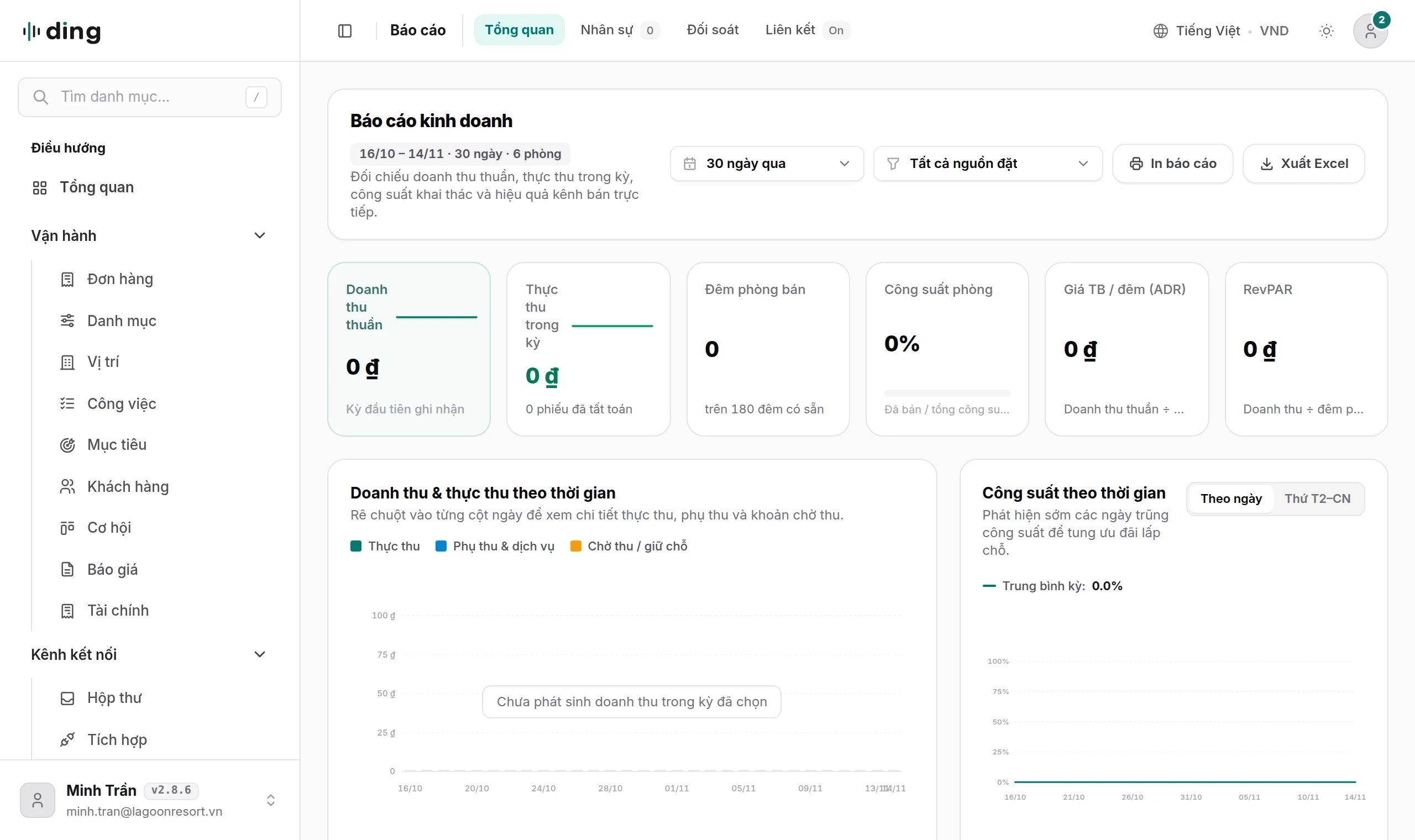
OKRandKPIquota planning, and/reportsinspection.
Each guide pairs 12 crisp 2x Retina product screenshots with interactive 1-2-3 numbered callout pins and HowTo structured metadata so staff locate the exact button on screen in seconds.